


Skyrim mod
Dark Brotherhood Tenets Restored
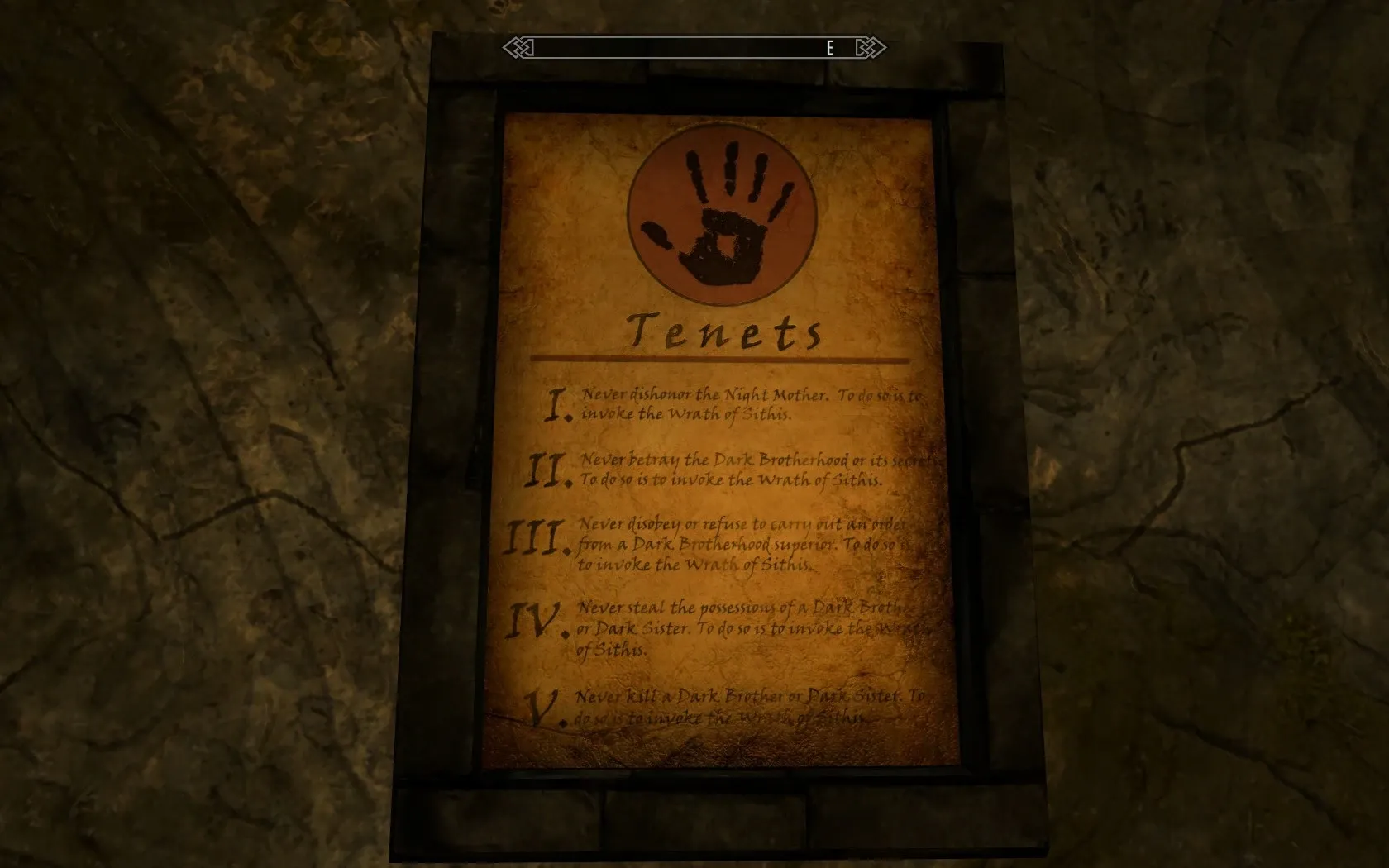
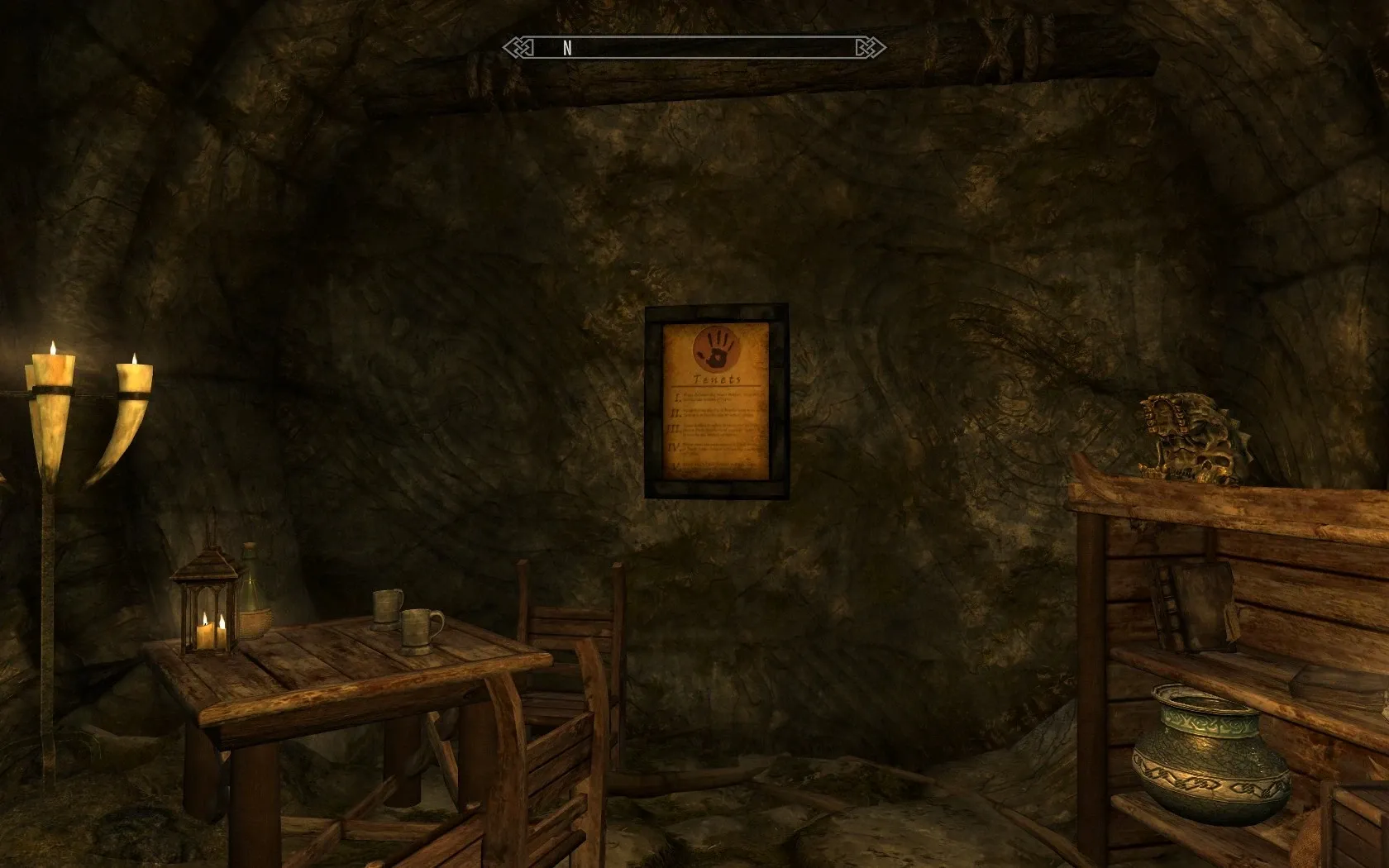
Make the Dark Brotherhood’s Tenets readable again.
About the mod
When I started the Dark Brotherhood quest line for the first time, I spotted the tenets sign on the wall and strolled over to take a look. I was very disappointed to see that the tenets were completely illegible.
Even after restoring the Dark Brotherhood, the tenets remained grungy and unreadable. This simply did not sit well with me, so I published my first Skyrim mod, just to fix the ‘issue’.
Screenshots
New in version 2.2
- New Ultra download: a separate package with a 4096x4096 BC7 diffuse texture and a 2048x2048 BC7 normal map, for the sharpest possible tenets. Install either Ultra or the AIO, not both.
- Every AIO texture was re-encoded from the original source images with modern tools: same sizes, slightly sharper, most noticeably in the lower-resolution options.
- The Performance option now has its own texture set.
- A small script optimization: tenets that have already been restored are left alone while the script waits for you to visit the other sanctuary.
Version 2.1 fixed the restored tenets not appearing in a sanctuary you weren’t in when Where You Hang Your Enemy’s Head… began, usually Falkreath. Version 2.0 added the option to restore the tenets as part of the Dark Brotherhood story.
Installation
Download one of the two main files from the Nexus Mods page and install it with a FOMOD-compatible mod manager, such as Mod Organizer 2 or Vortex.
- AIO: five texture sizes to choose from in the installer. This is the right choice for most players.
- Ultra: a single 4096x4096 BC7 texture set (a larger download, using about twice the video memory of High Quality). Its installer skips the texture step.
Step 1: Texture quality (AIO)
- High Quality
- 4096x4096 diffuse texture and 1024x1024 normal map.
- Quality
- 2048x2048 diffuse texture and 1024x1024 normal map.
- Standard
- 1024x1024 diffuse texture and 512x512 normal map.
- Performance
- 1024x1024 diffuse texture and 256x256 normal map.
- High Performance
- 512x512 diffuse texture and 256x256 normal map.
Step 2: When to restore the tenets
- After Taking Over the Brotherhood (recommended): the tenets stay vanilla and grungy until the quest Where You Hang Your Enemy’s Head… begins. The restored tenets then appear in the Dawnstar and Falkreath Sanctuaries. This installs the ESL-flagged
TenetsRestored.esp, which requires Skyrim SE 1.5.97 or newer, or AE. The vanilla tenets texture is not replaced. - Always Restored: replaces the vanilla tenets texture, so the restored tenets are shown from the start. No plugin is installed.
If you chose After Taking Over the Brotherhood, make sure TenetsRestored.esp is enabled in your load order.
Uninstallation
Uninstall the mod with your mod manager. If you chose the After Taking Over the Brotherhood option, avoid removing TenetsRestored.esp in the middle of a playthrough after the restored tenets have appeared. The vanilla tenets remain hidden in that save, so the walls will be left without tenets.
Fixing an older save
Version 2.1 fixed a sanctuary (usually Falkreath) not receiving the restored tenets, but only if they had not already appeared in that save. If a sanctuary still shows the grungy tenets, you can switch them with the console:
- Find the load order index of
TenetsRestored.espin your mod manager. It is a light plugin, so the index is FE followed by three characters, such asFE 012orFE:012. Join them to get your prefix, for exampleFE012. - Go inside the sanctuary that still has the grungy tenets. The commands only work while you are in that sanctuary.
- Open the console with the ~ key and enter the commands for that sanctuary, one line at a time. Replace
FE012with your own prefix. - Close the console and save your game.
Falkreath Sanctuary
The original sanctuary:
prid 000F5840
disable
prid FE012801
enable
prid 000F5841
disable
prid FE012802
enable
Dawnstar Sanctuary
prid 000E9933
disable
prid FE012803
enable
prid 000E993C
disable
prid FE012804
enable
prid 000E9930
disable
prid FE012805
enable
prid 000E9931
disable
prid FE012806
enable
prid 000E9932
disable
prid FE012807
enable
prid 000E8AA4
disable
prid FE012808
enable
prid 000E8AA5
disable
prid FE012809
enable
Compatibility
This should not conflict with other mods except those that replace the Dark Brotherhood tenets or the same sanctuary references. For example, New Tenets by RbtRvltin also changes the tenets.
If you use the After Taking Over the Brotherhood option:
- Lighting mods:
TenetsRestored.espincludes unchanged copies of the Dawnstar and Falkreath Sanctuary cell records, including their vanilla lighting. If a lighting mod changes either sanctuary and loads afterTenetsRestored.esp, its lighting is kept. If it loads before, the sanctuary goes back to vanilla lighting. LoadTenetsRestored.espabove any lighting mod; LOOT normally sorts this for you. - Non-English games: these two sanctuaries may show their names in English.
Available versions
- Skyrim Special Edition / Anniversary Edition: the current release (version 2.2).
- Original Skyrim: the original release (version 1.3).
Credits
The background paper texture is a modified version of the “Aged Paper Texture” created by “firesign24-7,” available on DeviantArt.
A special thank you goes out to the STEP team for their fantastic noob-friendly guide to enhancing the Skyrim gaming experience. Thanks for including my humble mod!
Of course, I have to thank Bethesda for creating yet another fantastic game. Great job, guys!